
GuideBeginner
Use NotebookLM to turn raw data into visually appealing insights
In this guide you’ll learn how to turn campaign data or complex topics into ready-to-share infographics and slide decks with NotebookLM, so you can focus on thinking, not formatting.
Required tools
None required
Updated
Jan 30, 2026
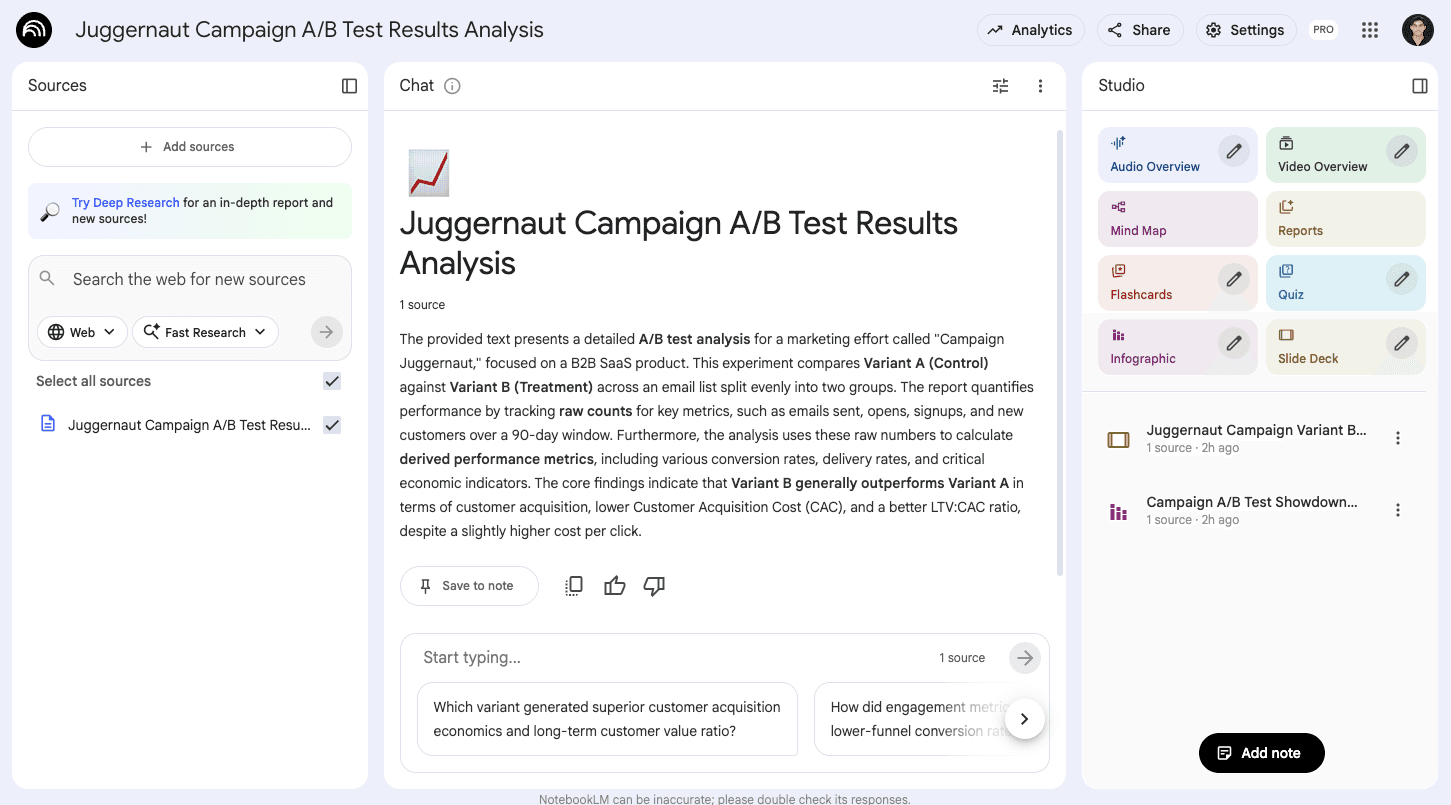

Guide preview locked
The Rundown: In this guide you’ll learn how to turn campaign data or complex topics into ready-to-share infographics and slide decks with NotebookLM, so you can focus on thinking, not formatting.
Who is this useful for:
- Marketers running A/B tests and performance campaigns
- Consultants presenting results to clients and executives
- Sales teams explaining outcomes to stakeholders
- Students, educators, and self-learners studying complex topics

STEP 1: Getting started with NotebookLM
Go to NotebookLM. Click “Create new” for a new notebook.
Add your sources. You can:
- Connect Google Drive
- Add a website link
- Paste a YouTube URL
- Paste text directly (great...