
GuideIntermediate
Use Gemini 3 Pro To Turn Any UI You Love Into a Working Landing Page
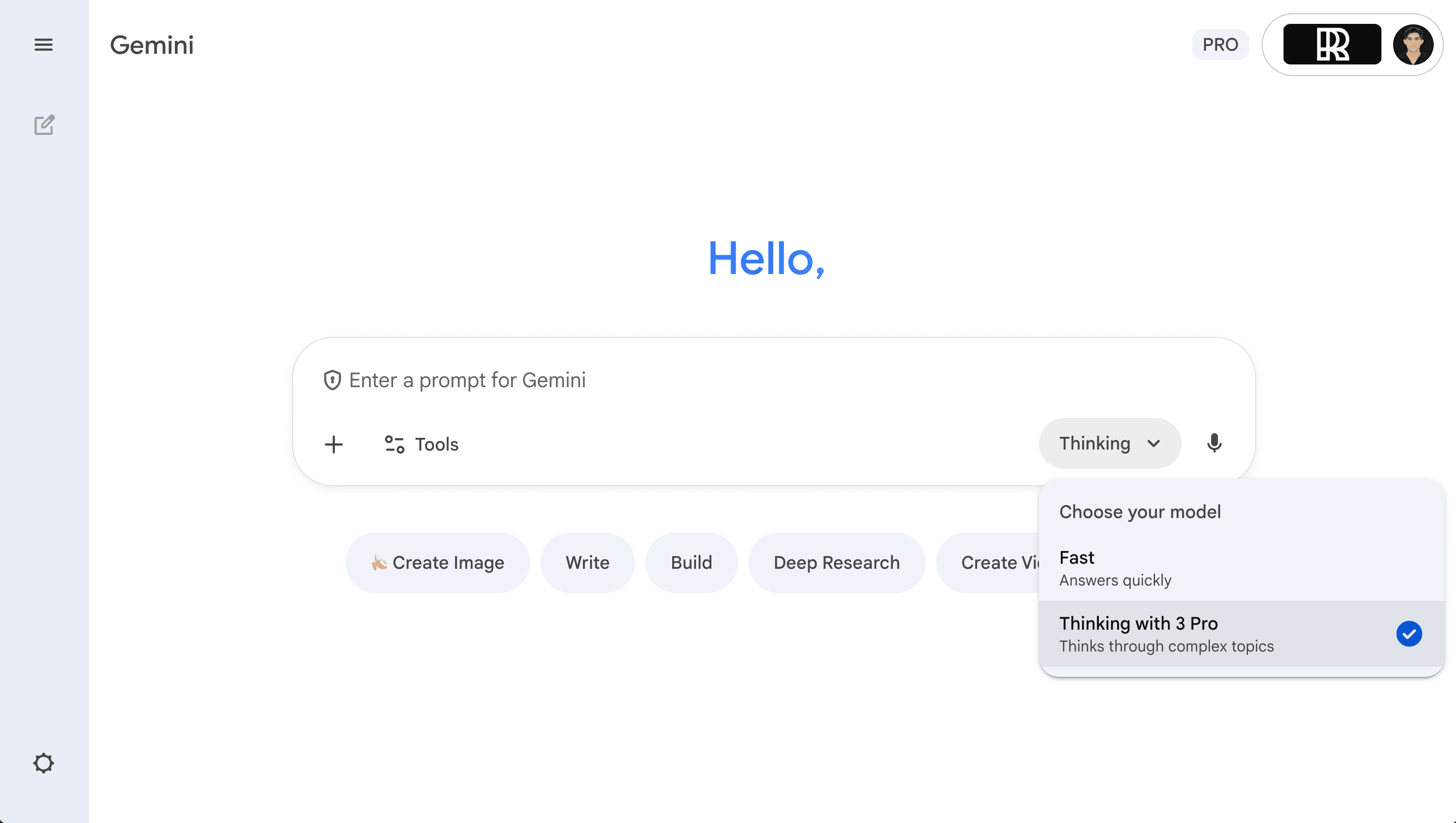
In this guide you’ll learn how to use Gemini 3 Pro to turn any UI you love into a working landing page.
Required tools
None required
Updated
Feb 2, 2026

Guide preview locked
The Rundown: In this guide you’ll learn how to use Gemini 3 Pro to turn any UI you love into a working landing page.
Who is this useful for:
- Non-technical founders who want high-end SaaS-style sites
- Designers who want to turn Dribbble/Behance shots into real pages
- Marketers testing landing pages fast
- Developers who want a detailed spec auto-written for them

STEP 1: Get your ui inspiration
Go to any site or design you love (e.g., Dribbble, Behance, a live SaaS site).
Pick a UI that feels:
- Visually polished
- Smooth in animation/scroll
- Strong on conversion layout
Download the video or screen...