
GuideBeginner
Use ChatGPT record mode to capture meeting insights without third-party tools
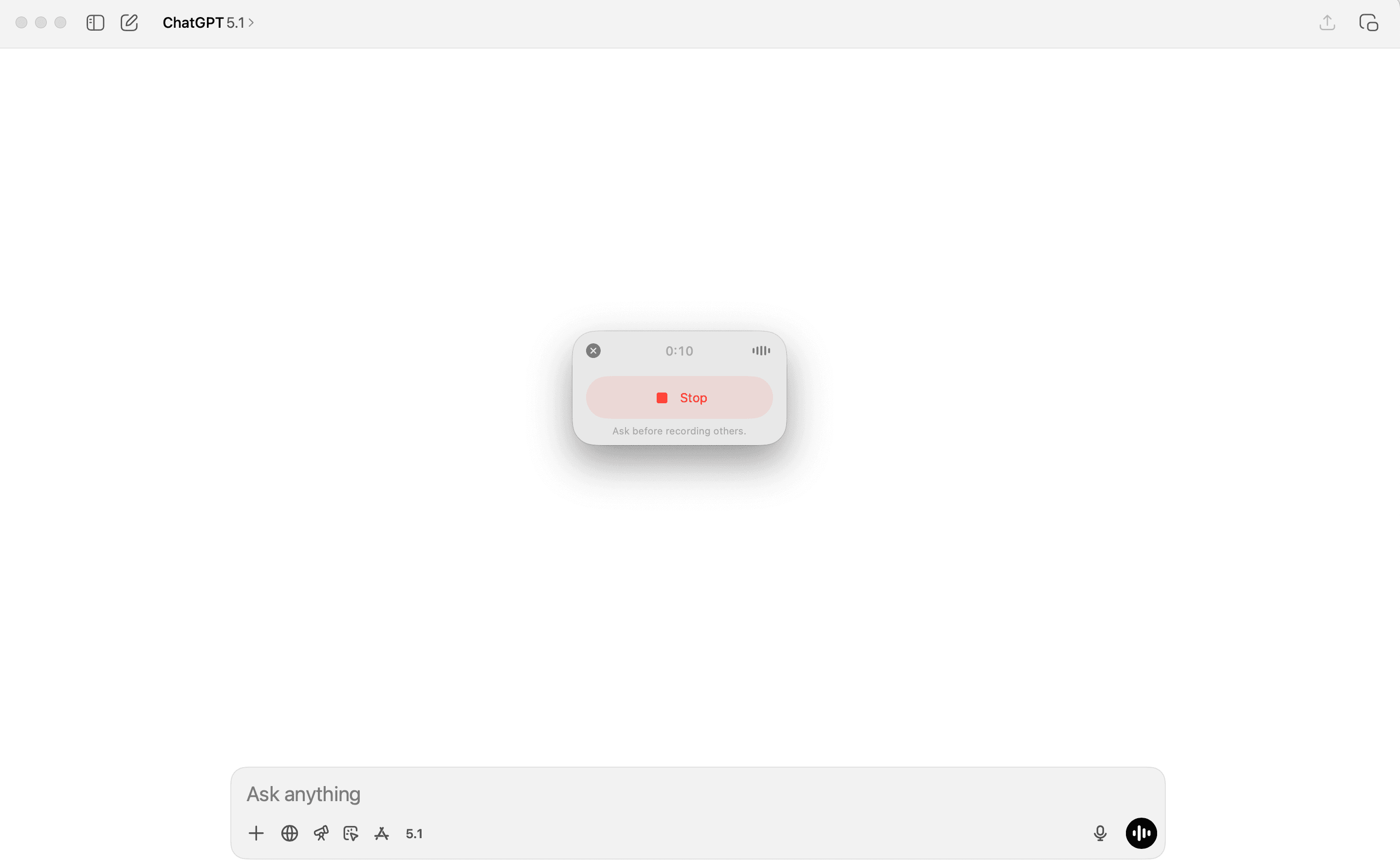
In this guide you’ll learn how to record and summarize meetings directly in the ChatGPT desktop app.
Required tools
None required
Updated
Jan 30, 2026

Guide preview locked
The Rundown: In this guide you’ll learn how to record and summarize meetings directly in the ChatGPT desktop app. No need to keep juggling third-party tools.
Who is this useful for:
- Employees at companies that block tools like Fireflies, Otter, Grain, Granola, etc.
- Managers who sit in way too many meetings and never read the raw notes
- Students who want lecture transcripts and summaries without fiddling with extra apps
- Privacy-sensitive teams who prefer to keep everything inside the OpenAI ecosystem
This built-in recorder is more than good enough for most internal meetings and classes.

STEP 1: Getting started with ChatGPT...