
GuideBeginner
Turn your course syllabus into a database for lecture notes with Notion AI
This tutorial shows you how to transform a plain course syllabus into a fully functional lecture notes database using Notion AI.
Required tools
None required
Updated
Jan 30, 2026
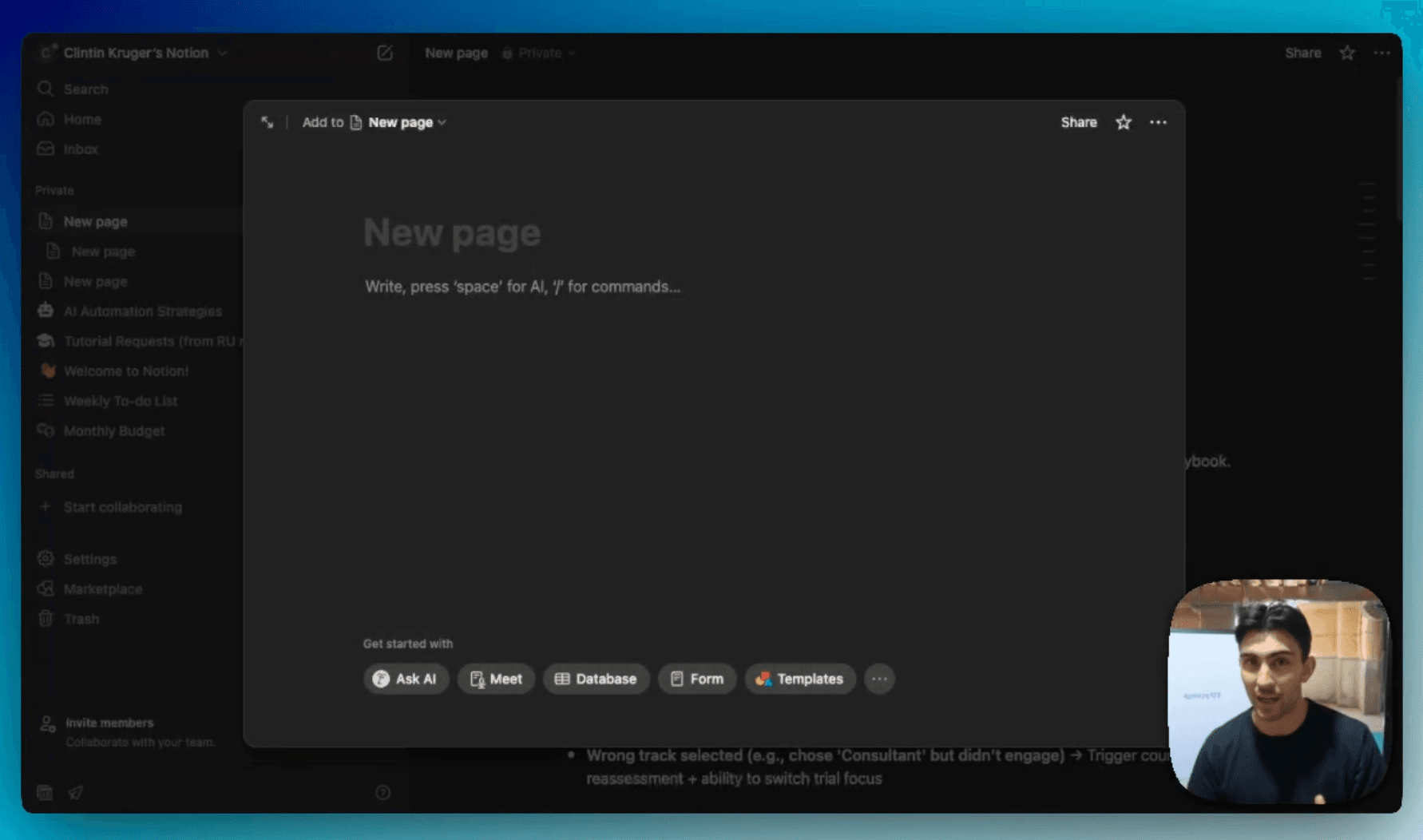
Guide preview locked
The Rundown: This tutorial shows you how to transform a plain course syllabus into a fully functional lecture notes database using Notion AI. Instead of spending hours manually creating your semester setup, you’ll be able to generate a ready-to-use study system in seconds.
Who is this useful for:
- University students
- High school students
- Graduate students juggling multiple courses
- Anyone who wants a structured, time-saving way to organize study notes

STEP 1: Getting Started with Notion
To begin, head over to Notion.so. Notion is a popular productivity tool with AI features.
- Create a new page.
- Once you’re inside, simply...