
GuideBeginner
How to optimize prompts for better AI outputs with OpenAI's Optimize feature
OpenAI's Playground now features an automatic prompt optimization tool that transforms basic prompts into high-performance system messages for more effective AI interactions.
Required tools
None required
Updated
Jan 30, 2026
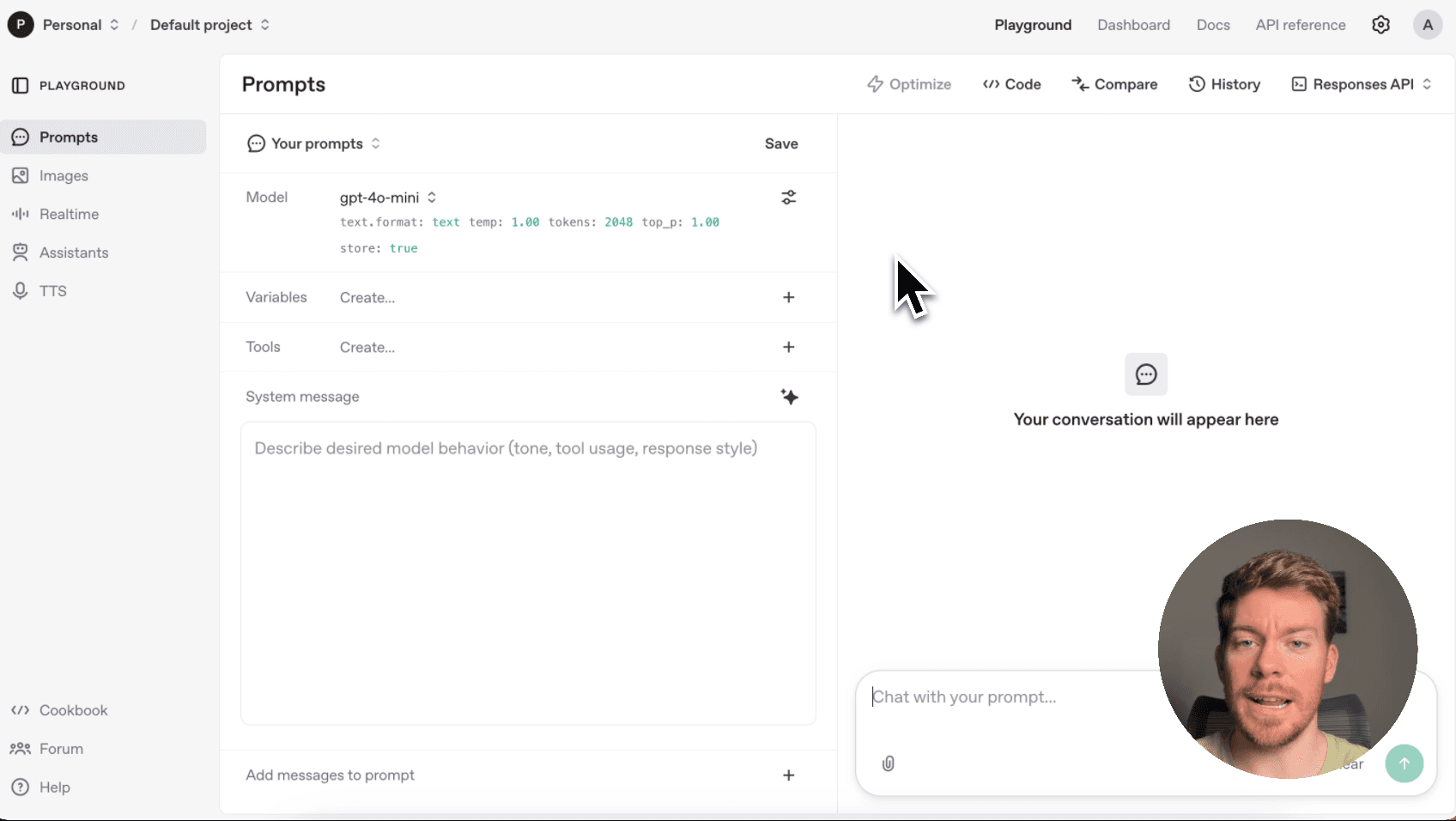

Guide preview locked
The Rundown: OpenAI's Playground now features an automatic prompt optimization tool that transforms basic prompts into high-performance system messages for more effective AI interactions.
🧰 Who is this useful for:
- AI developers building applications with better prompt engineering
- Content creators wanting more consistent and accurate AI outputs
- Researchers optimizing their AI workflows for better results
- Business professionals automating tasks with improved AI performance
STEP 1: Access the OpenAI Playground
Head over to OpenAI’s platformand log in with your OpenAI credentials. Once you're in the dashboard, look for the "Playground" section and click on it. You'll be directed to OpenAI's...