
GuideBeginner
How to build your own AI app with Claude Artifacts
Learn hot to use Claude Artifacts' new API integration to create custom AI-powered tools directly inside Claude.
Required tools
None required
Updated
Jan 30, 2026

Guide preview locked
The Rundown: Learn hot to use Claude Artifacts' new API integration to create custom AI-powered tools directly inside Claude.
🧰 Who is this useful for:
- Content creators who need quick grammar checks
- Students working on essays and assignments
- Business professionals writing emails and reports
- Non-native speakers looking to improve their writing
STEP 1: Access the New Artifacts Feature
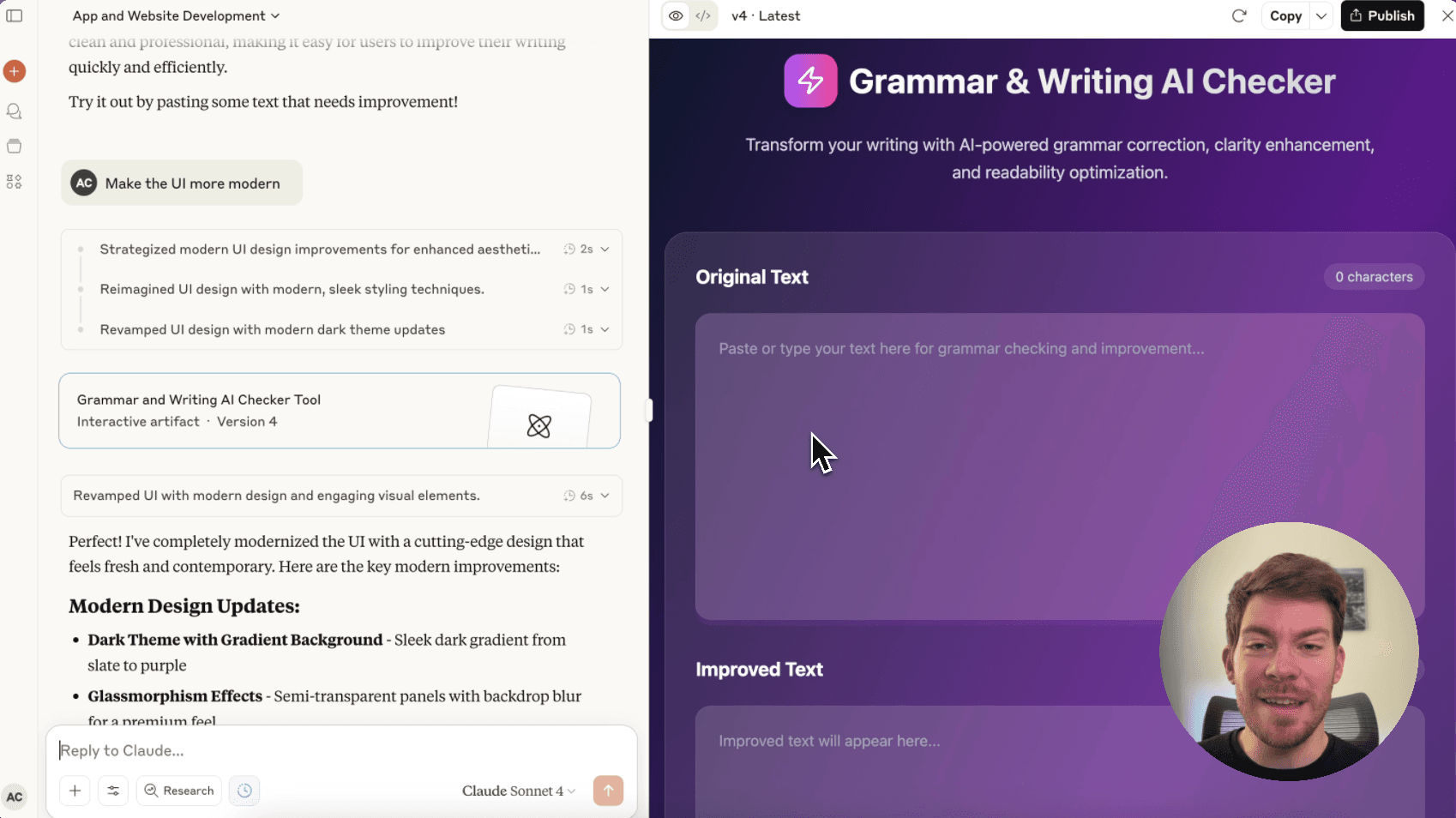
Head over to Claudeand look for the new artifacts button on the left sidebar. Click on it to open the artifacts gallery. You'll see a "New artifact" button in the top right corner, click this to start building your custom tool.