
GuideBeginner
How to automate your content strategy with Grok scheduled tasks
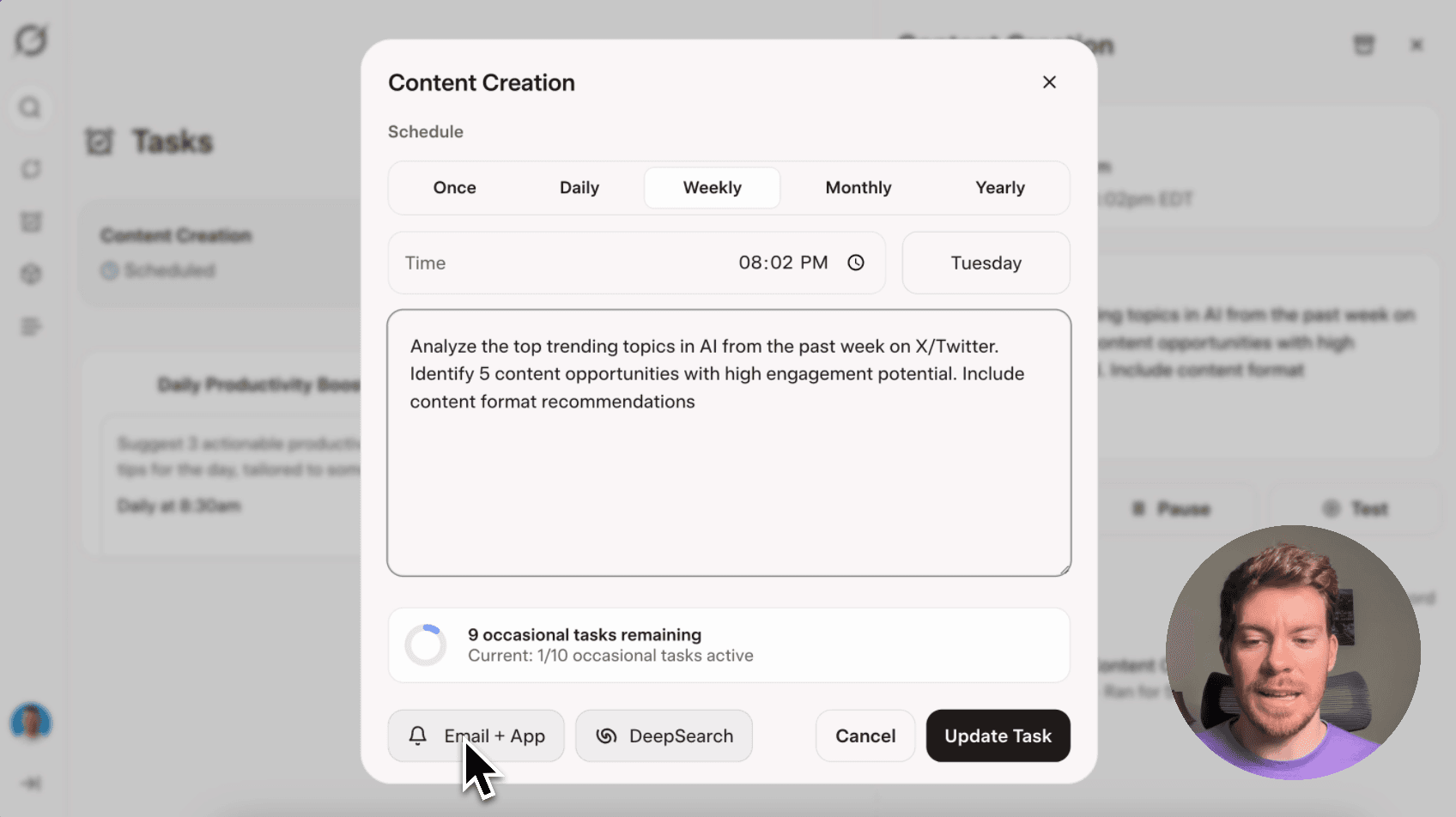
Grok's new Tasks feature lets you schedule automated content research and trend analysis that runs in the background and sends you notifications when complete.
Required tools
None required
Updated
Jan 30, 2026
Guide preview locked
The Rundown: Grok's new Tasks feature lets you schedule automated content research and trend analysis that runs in the background and sends you notifications when complete.
🧰 Who is this useful for:
- Content creators looking to automate their research workflow
- Social media managers tracking trends and competitors
- Marketing teams needing regular industry insights
- Business owners wanting to stay informed without constant monitoring
STEP 1: Access the Tasks Feature
Head over to Grok and log into your account. Look for the "Tasks" section in the navigation menu, this feature is currently rolling out to all users.

Once you're in the Tasks...