
GuideBeginner
Customize Claude responses to match your writing style
Claude’s new Styles feature allows you to personalize AI responses by teaching it to match your unique writing voice and tone.
Required tools
None required
Updated
Jan 30, 2026

Guide preview locked
The Rundown: Claude’s new Styles feature allows you to personalize AI responses by teaching it to match your unique writing voice and tone.
🧰 Who is this useful for:
- Content creators looking for consistent writing style
- Marketing teams maintaining brand voice
- Educators creating teaching materials
- Writers developing different writing personas
STEP 1: Access Styles Feature
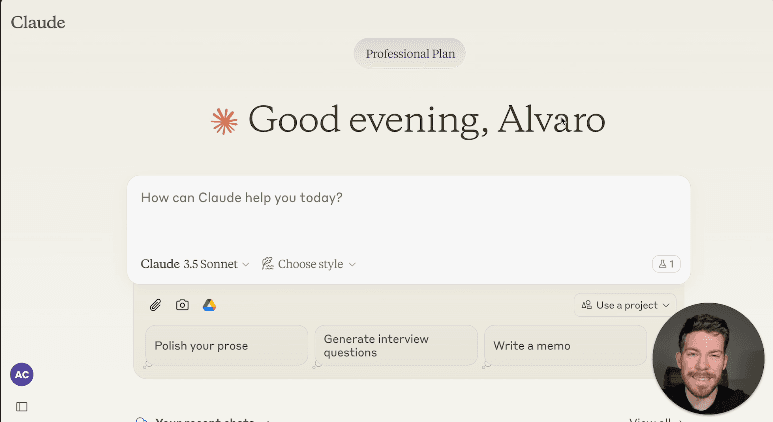
Head to Claude AI and locate the "Choose style" dropdown menu next to the model selector. You'll find several preset options: Normal, Concise, Explanatory, and Formal, along with any custom styles you create.

STEP 2: Create Your Custom Style
Click on "Create & Edit...