
GuideBeginner
Create your own mini-figurine and animate it with Luma Dream Machine
In this tutorial, you'll learn how to create a mini figurine of yourself or a specific product.
Required tools
None required
Updated
Jan 30, 2026

Guide preview locked
The Rundown: In this tutorial, you'll learn how to create a mini figurine of yourself or a specific product. Then, we're going to animate it using Luma Dream Machine by turning it into a video with any camera angle or effects that you want.
Who is this useful for:
- Creators who want eye-catching personal avatars
- Social media storytellers and short-form video makers
- Designers prototyping collectible packaging concepts
- Anyone who wants a fast “from photo to moving figurine” workflow

STEP 1: Getting started with Nano Banana on Gemini
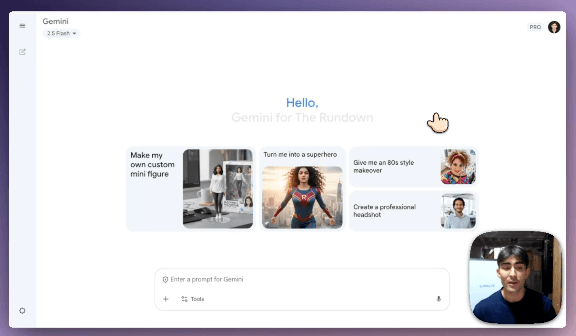
To start transforming a photo into a mini figurine, go to Google Gemini