
GuideBeginner
Create and Edit Canva Designs with ChatGPT Agents
ChatGPT now has connectors, and the one we're going to look at today is the Canva connector.
Required tools
None required
Updated
Jan 30, 2026
Guide preview locked
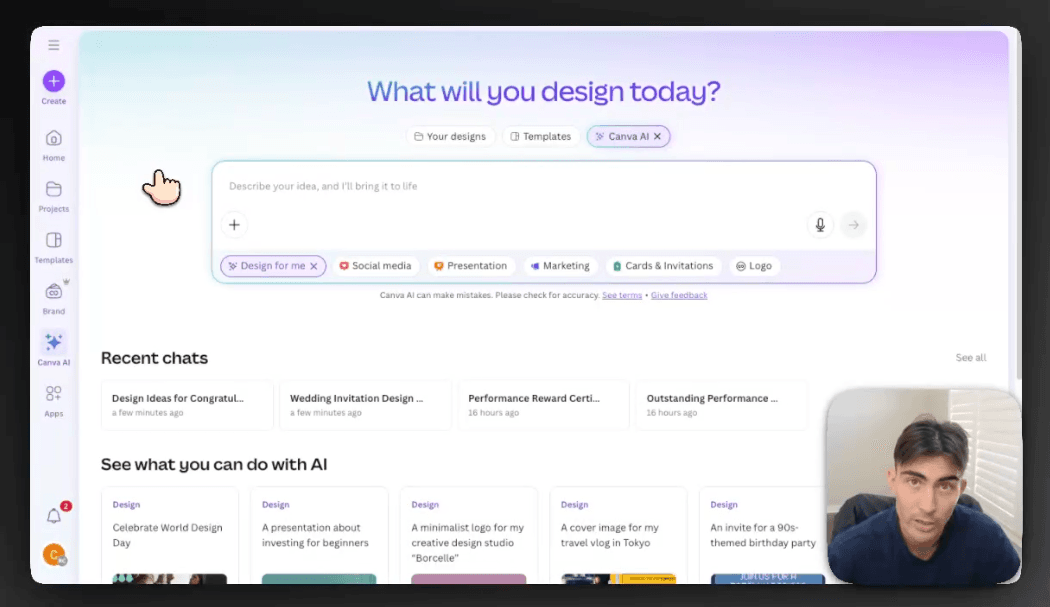
The Rundown: ChatGPT now has connectors, and the one we're going to look at today is the Canva connector. It allows you to simply prompt what design you want and how you want it modified in ChatGPT, and then the ChatGPT agent will take over your browser, navigate to Canva, and create your design files for you.
🧰 Who is this useful for:
- Content creators who batch-produce posts, invites, or announcements
- HR professionals writing employee recognition notes
- Startup founders sending branded communications
- Anyone experimenting with AI + design automation

STEP 1: Create a design or choose a template in Canva