
GuideIntermediate
Create an AI agent to categorize and respond to email support tickets
In this tutorial, you’ll learn how to create an AI agent that processes all your incoming emails, categorizes them by type (spam, support, feedback, etc.
Required tools
None required
Updated
Jan 30, 2026

Guide preview locked
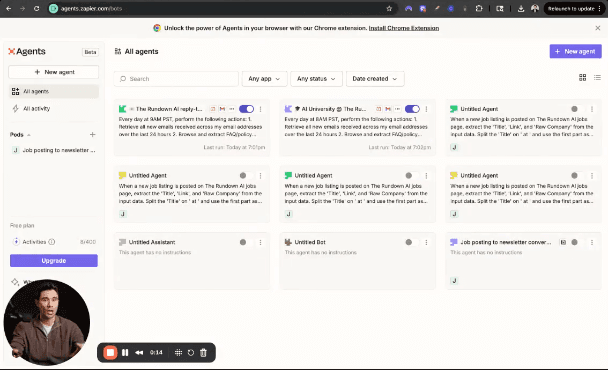
The Rundown: In this tutorial, you’ll learn how to create an AI agent that processes all your incoming emails, categorizes them by type (spam, support, feedback, etc.), and automatically drafts responses while tagging the team members for follow-up in Slack.
💼 Who is this useful for:
- Customer support teams drowning in ticket volume
- Small business owners managing multiple email inquiries
- Anyone with an overflowing inbox that needs intelligent automation
STEP 1: Set Up Your Zapier Agents Account Head over to Zapier Agentsand log in with your existing Zapier credentials. Once logged in, click the "New Agent" button in the...