
GuideBeginner
Convert lecture videos into comprehensive study materials with Gemini
Learn how to use the new video input feature of Google's Gemini to transform lecture videos into detailed notes and interactive quiz sessions to improve your study experience.
Required tools
None required
Updated
Jan 30, 2026
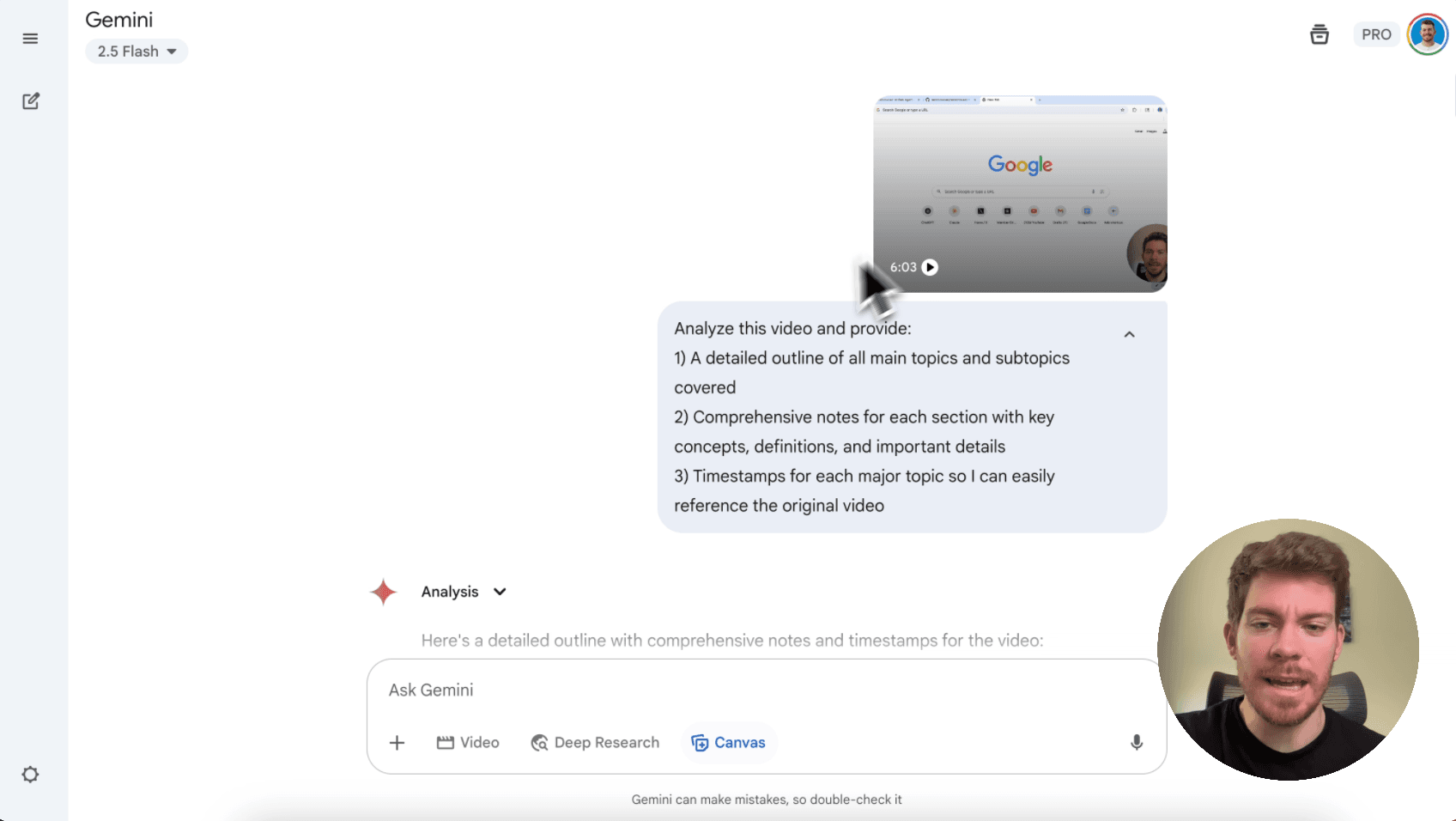

Guide preview locked
The Rundown: Learn how to use the new video input feature of Google's Gemini to transform lecture videos into detailed notes and interactive quiz sessions to improve your study experience.
🧰 Who is this useful for:
- Students wanting to maximize their learning from recorded lectures
- Educators creating supplementary study materials for their courses
- Busy learners who need efficient ways to review video content
- Study groups looking to create shared learning resources
STEP 1: Access Gemini and Upload Your Lecture
Head over to Google's Gemini appand log in with your Google account. Once you're in the main interface, you'll see...