
GuideIntermediate
Connect OpenAI agent builder to 8,000+ tools using Zapier MCP and build any automation
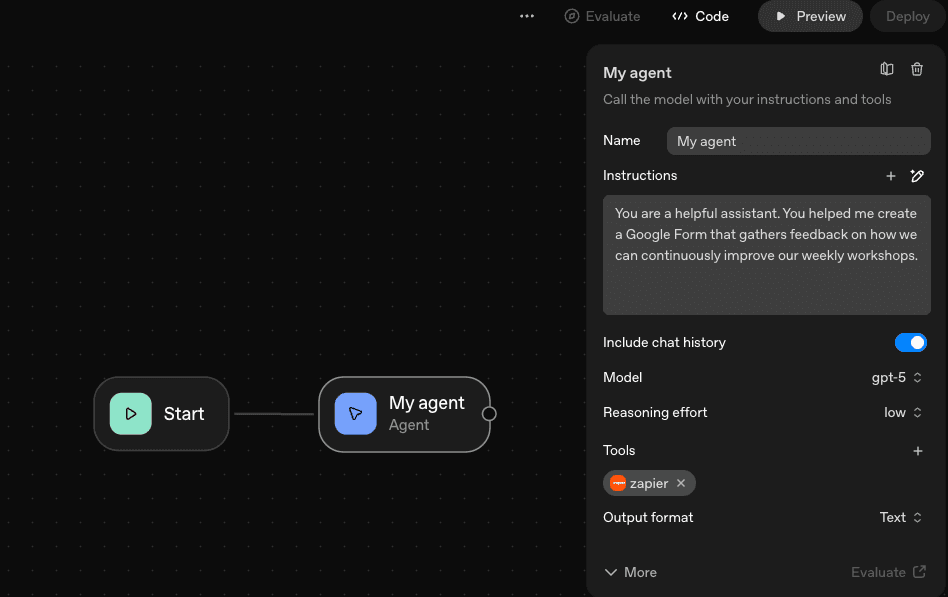
In this guide, I'll show you how to access over 8,000+ tools using Zapier MCP and create a form using the Google Forms’ tool.
Required tools
None required
Updated
Jan 30, 2026

Guide preview locked
The Rundown: In this guide, I'll show you how to access over 8,000+ tools using Zapier MCP and create a form using the Google Forms’ tool.
Who is this useful for:
- AI automation enthusiasts
- Developers integrating Agent Builder with external tools
- Business teams streamlining workflows through automation
- Educators or trainers using AI to enhance productivity

STEP 1: Getting started with accessing Agent Builder
To begin connecting Agent Builder to external tools, go to platform.openai.com/agent-builder.
Once you’re on the homepage:
- Click on Agent Builder from the left-hand menu.
- This opens the main interface where you can build your custom workflow.