
GuideBeginner
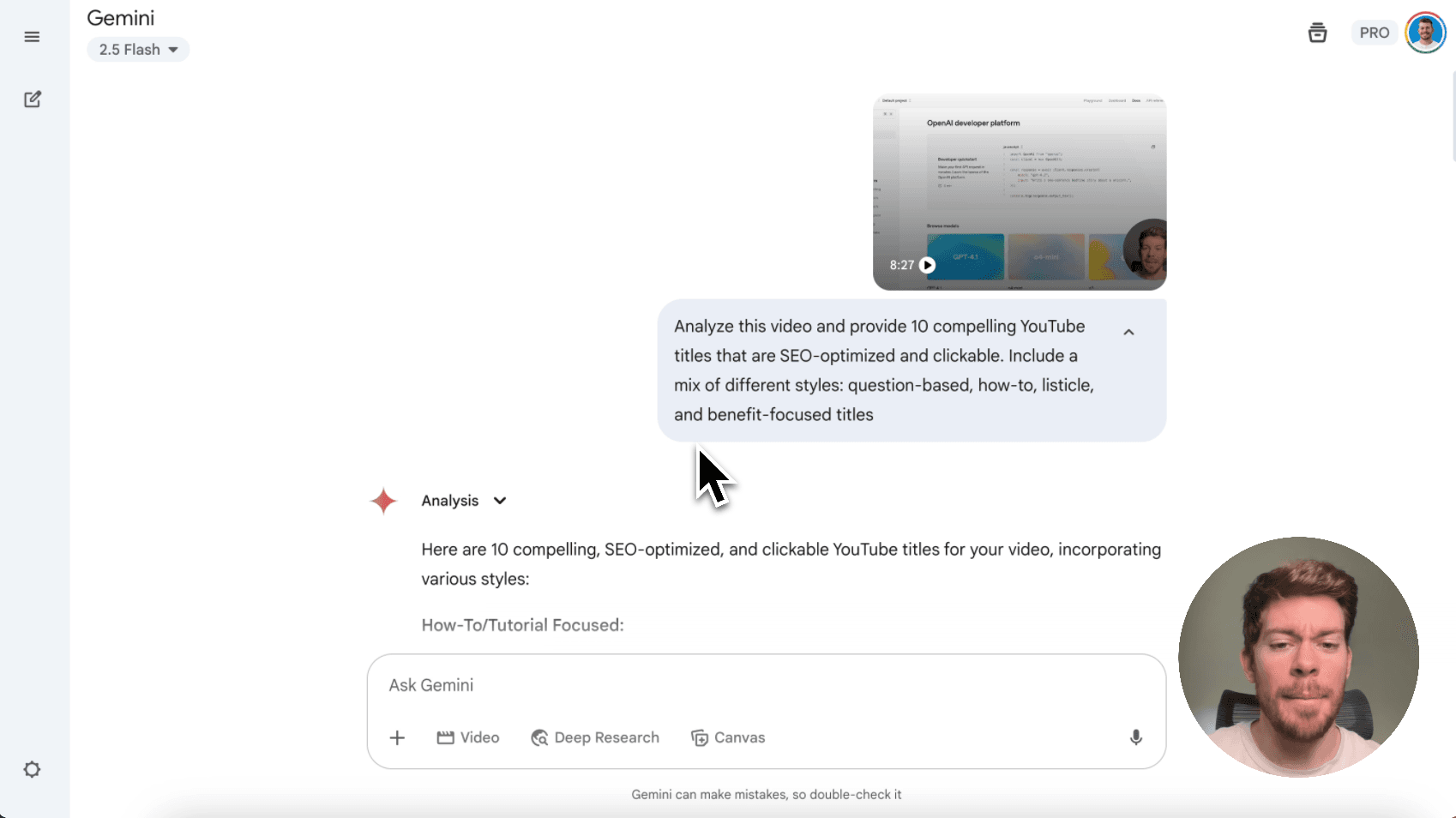
Automate your YouTube content creation with Gemini
Google's Gemini AI can now analyze your videos to automatically generate titles, descriptions, tags, and chapters, streamlining your entire YouTube content workflow.
Required tools
None required
Updated
Jan 30, 2026

Guide preview locked
The Rundown: Google's Gemini AI can now analyze your videos to automatically generate titles, descriptions, tags, and chapters, streamlining your entire YouTube content workflow.
🧰 Who is this useful for:
- YouTube creators looking to automate their upload process
- Content marketing teams managing multiple video channels
- Digital marketers optimizing video content for search
- Busy entrepreneurs creating educational or promotional videos
STEP 1: Upload Your Video to Gemini
Head over to Google Gemini appand start a new chat. Look for the attachment button (plus icon) next to the text input field. Click on it and select "Upload file" from the dropdown...